
iOS 26 beta 2025 Updates – Apple Futurestic Ui design
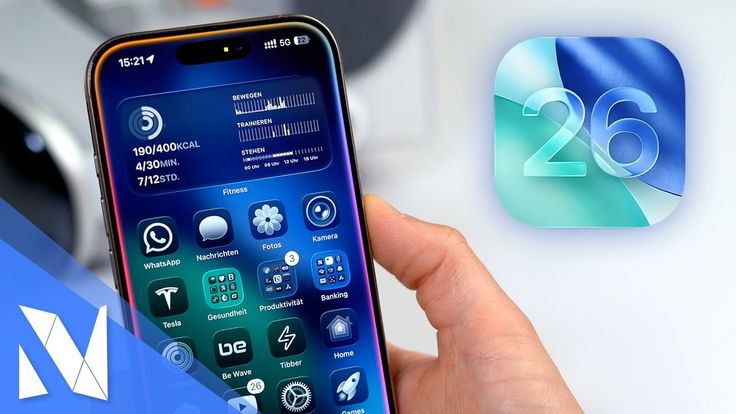
Apple’s WWDC (World wide developer conference) 2025 has been announced. In this, many new changes have been made in all the things related to software, such as – watchOS, tvOS, macOS, visionOS, iPadOS. iOS 26 beta will be installed only in iPhone 11 and later phones like iPhone 12, iPhone 13 etc.
Apple Ui changes
iOS 26 beta Liquid glass
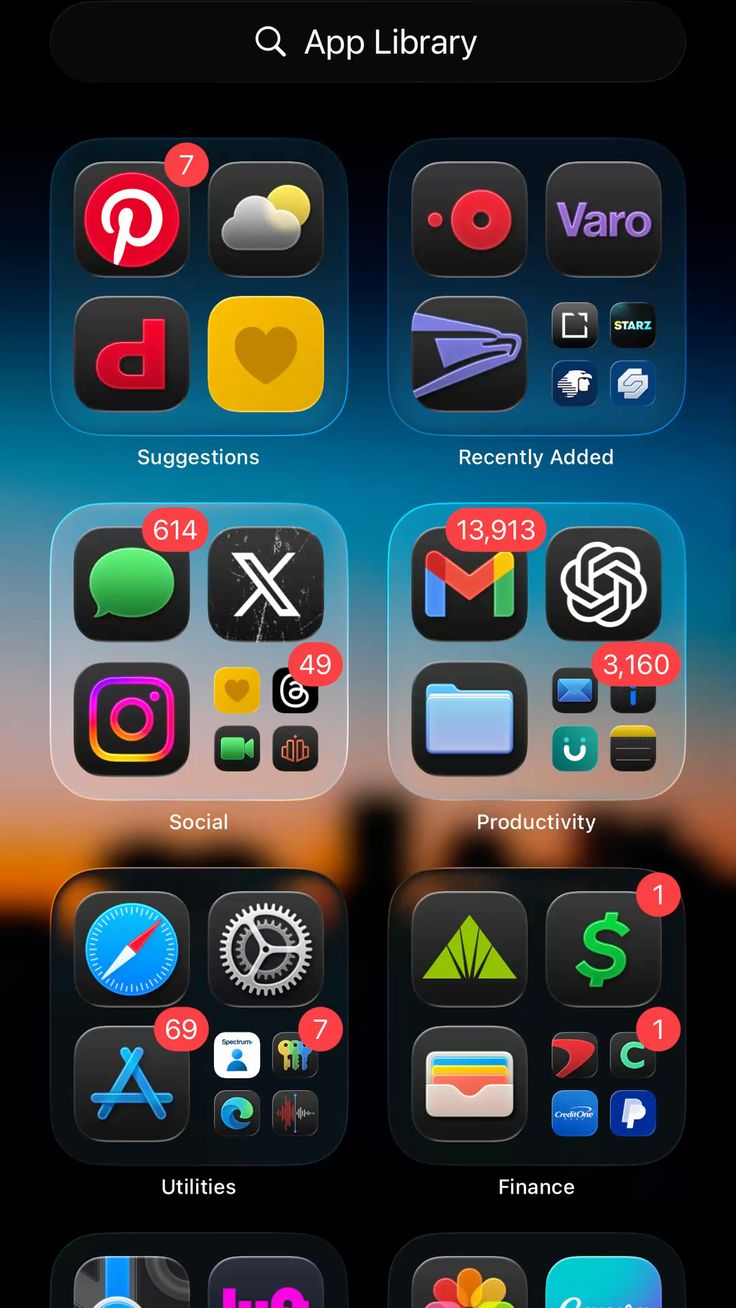
Apple company has made the entire UI of the phone transparent in iOS 26 beta, which is called liquid glass. Liquid glass is a kind of theme or skin, which makes the entire UI of the phone transparent. If you open any kind of app in it or select any option, then transparent animation is seen.
Lock screen
Liquid glass theme has also been used on the lock screen. And the notification panel has also been made transparent. You can set 3D wallpaper in both home and lock screen. You can convert phone’s wallpaper into 3D wallpaper without using any 3rd party app. In lock screen, time widget gets resized according to the design of wallpaper.
Camera
The camera UI has also been made completely transparent. Whenever you open camera, 4 options and then 2 options are visible: photo and video. You can swipe to see other options. Camera UI has been made very clean and simple, which looks very good.
Photos
When you open photos, there are three options Library, collection and search. Library will show all the photos and any album created in collection will be visible. You can search any photo or document from search option.
Safari
In iOS 26 beta, Apple has completely changed Safari. Webpages are seen edge to edge in Safari.
Facetime
Facetime has also been redesigned. This time a landing page will be seen. Whatever is the user’s favourite contact, their face icon will be seen in the home UI of this app.
CarPlay ultra
The UI of CarPlay has also been completely changed. It also has liquid glass UI. The icons in the UI look bigger and better than before. If the user is using the CarPlay app and a phone call is coming. So instead of the call being shown on the full screen, this time a small call icon appears. The CarPlay app keeps running in the background. This time widgets can also be accessed in CarPlay in iOS 26 beta.
Phone
The Phone app has also been completely redesigned, which has been named Unified layout. As soon as you open the Phone app, you get four options at the bottom: call, contact, keypad and search.
Call screening
Whenever a call comes from an unknown number on the user’s phone in call screening, it will check whether the call is from a telemarketing, home loan, credit card company.
Hold assist
While calling hold assist, you can hold the call by clicking on the three dots and choosing the hold option. Hold assist will basically show whatever the other person says in text.
Messages
In iOS 26 beta, you can set wallpaper in the background in the message app. You can also do group chat and set polls in group chat. Apple’s screening featuers will remove many fraud messages and spam messages and will only show the important messages. There is an option of message translate in the Message app, in which the user can translate his message and send it during the message in real time.
Apple Music
This time in Apple music, the user also gets the option to translate the lyrics and how to parody the song.
Apple Wallet
This time in Apple Wallet, user can add his digital passport to apple wallet.
Games
Apple has launched a special app Game for gaming. In which you will get to see different types of latest video games. This app also supports gaming controller.
Visual intelligence
Visual intelligence is like circle to search. User can use it in all apps. To use it, first of all you have to take a screenshot of that thing. You can also search on chatgpt or directly on google by clicking on user search icon below the screenshot.
How to install iOS 26 beta version:-
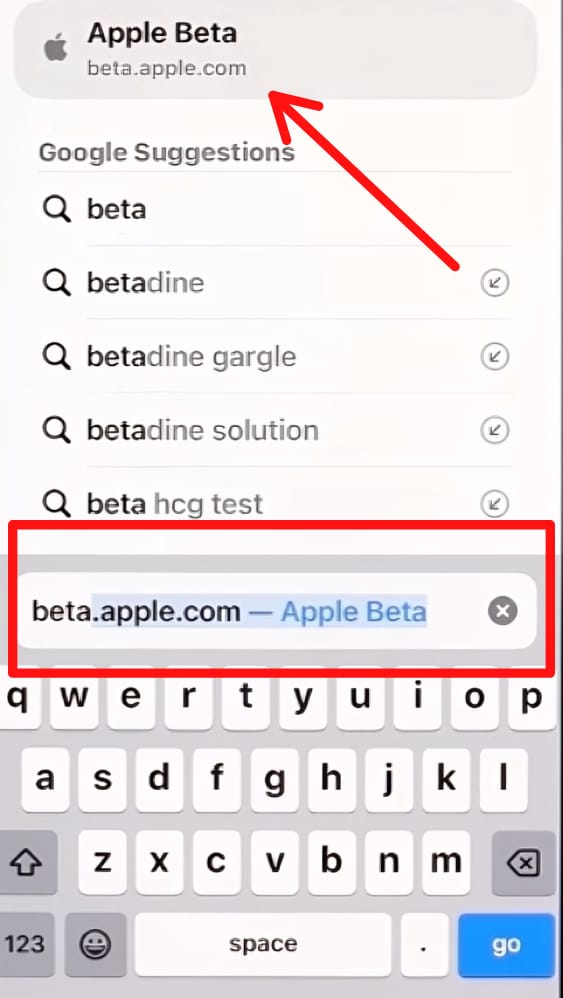
1) First open safari search engine and search beta.apple. com in it.
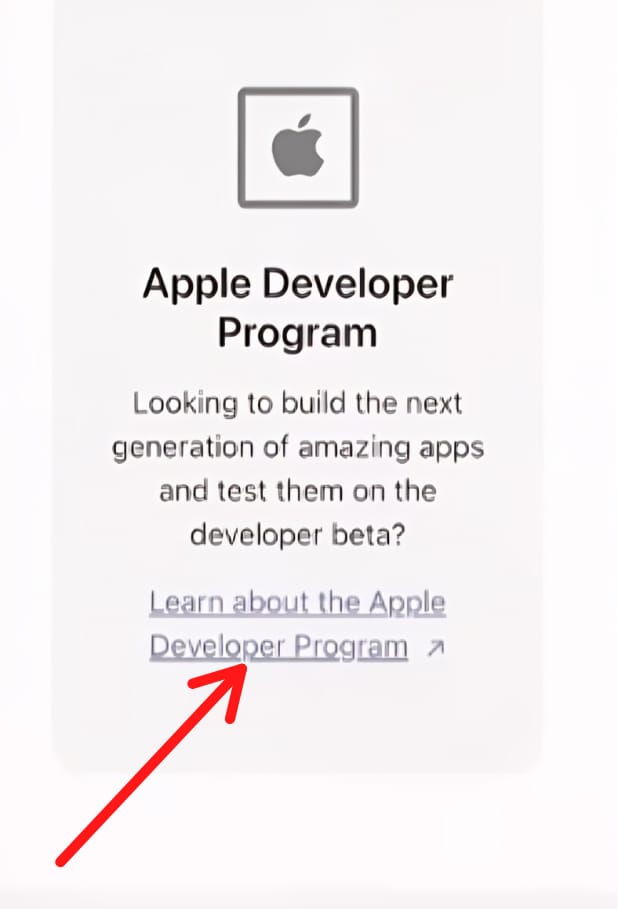
2) Scroll down and select Developer program.
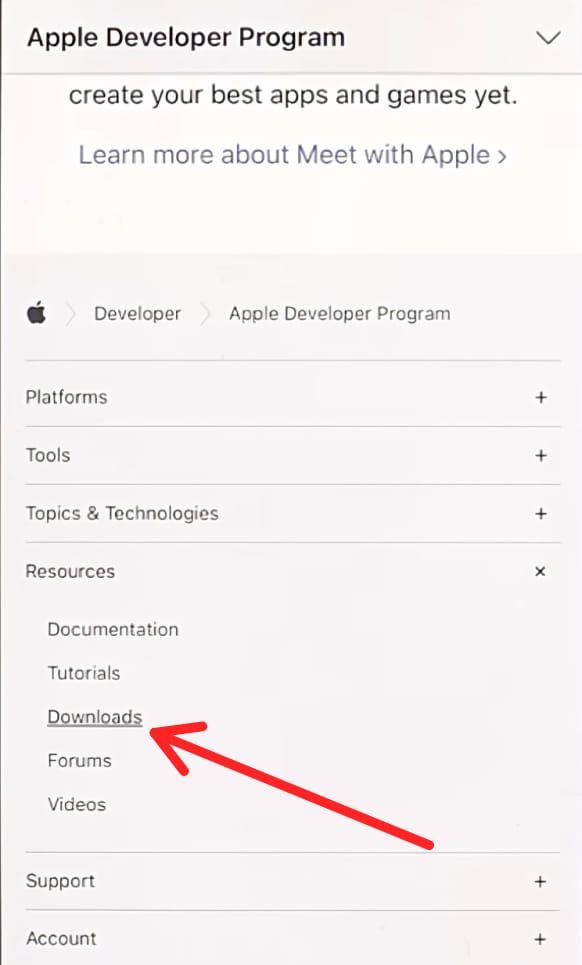
3) Scroll down again and click on Resources > Downloads.
4) Sign up page will open, in which user’s apple id has to be entered.
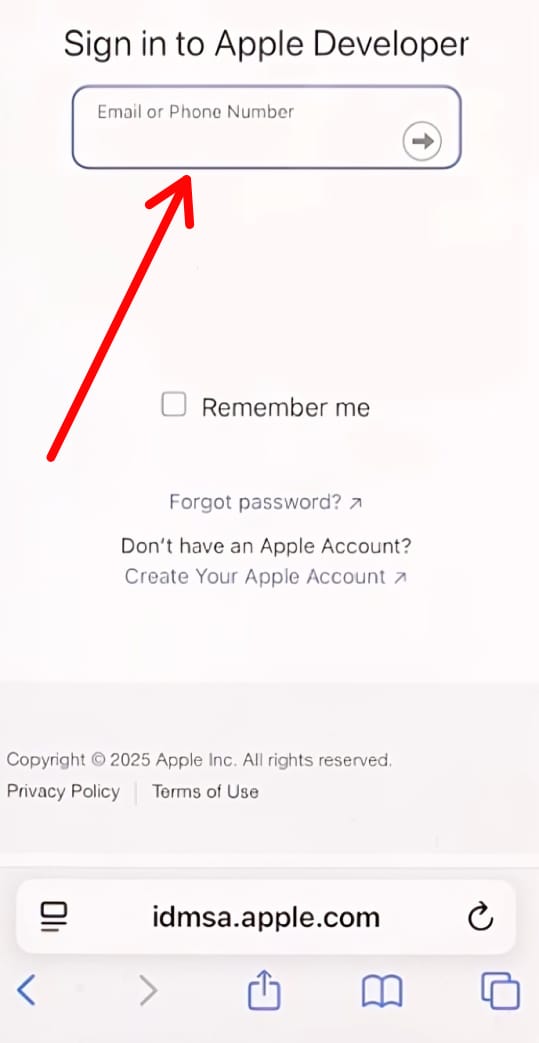
5) After submitting the ID, you will get the option of phone settings > General > software update.
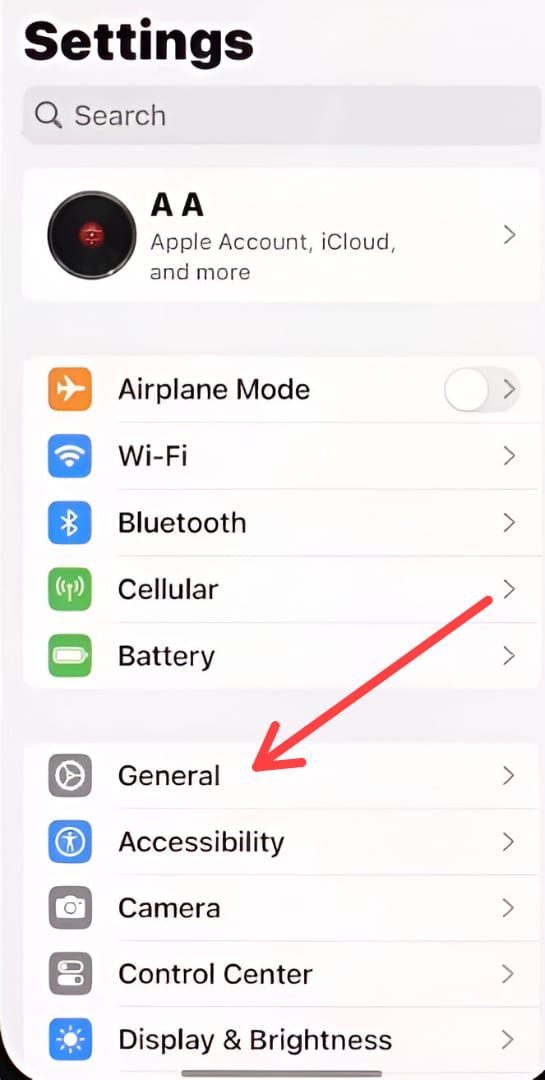
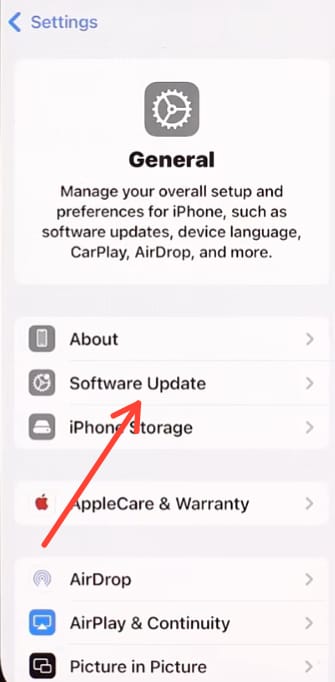
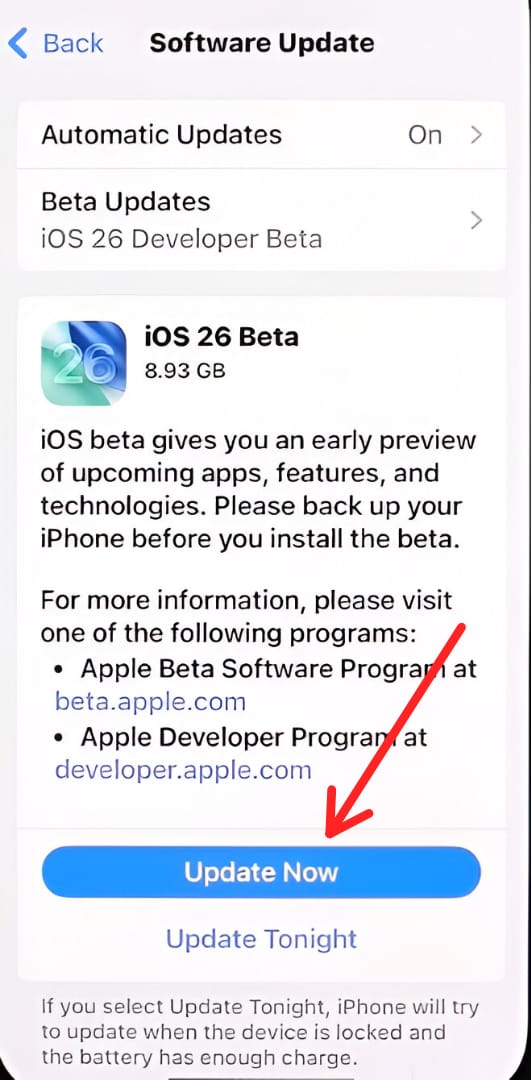
6) Under Automatic update, you will see Beta updates. After selecting Beta update, you will get the option of iOS 26 developer beta, click on it.
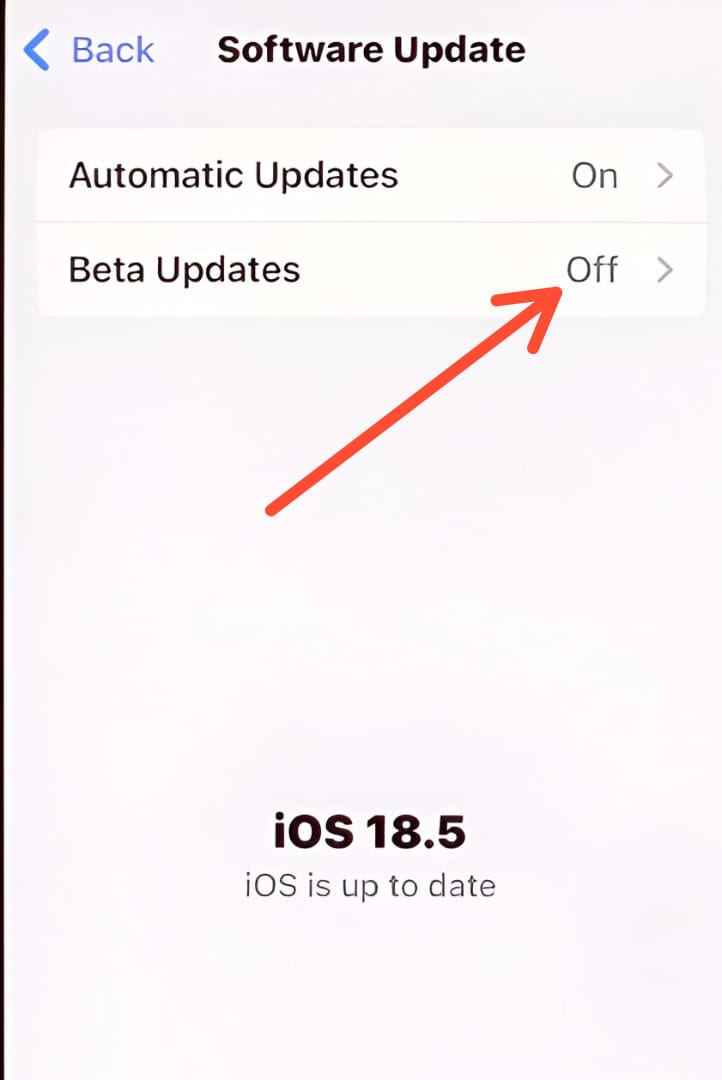
7) Click on the update now option, the download will be completed in some time.
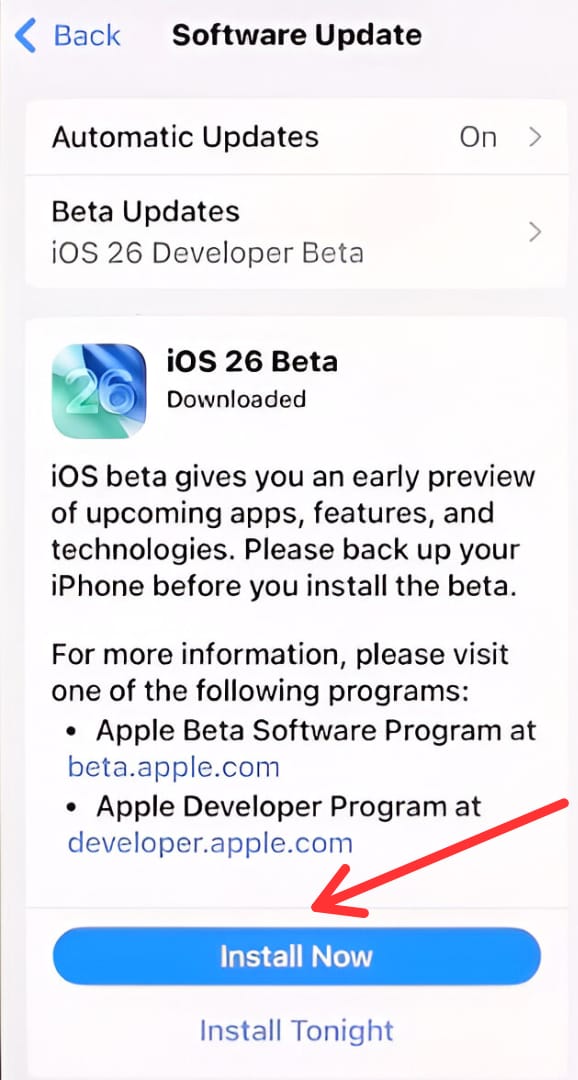
8) After downloading, click on install now. The phone will restart during installing.
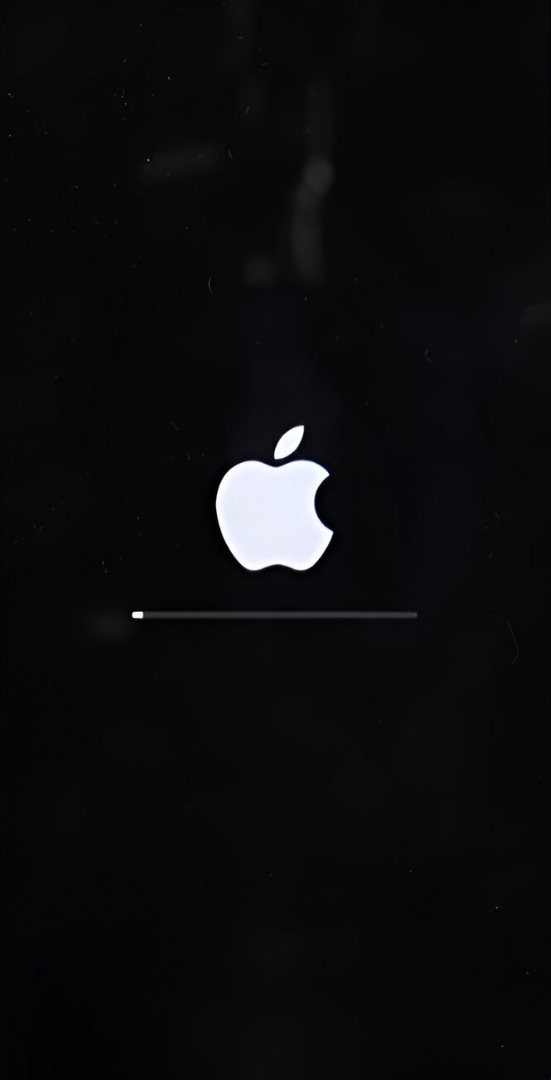
After the phone restarts, when it is turned on, the beta version will be successfully installed in the phone.
The user’s phone should be fully charged during iOS 26 beta version download.

Lovart AI sounds like a game-changer for designers who want to blend creativity with AI efficiency. The tri-modal interface is especially clever for hands-free workflow. I’ll definitely keep an eye on its beta launch. Lovart AI could redefine design automation.